
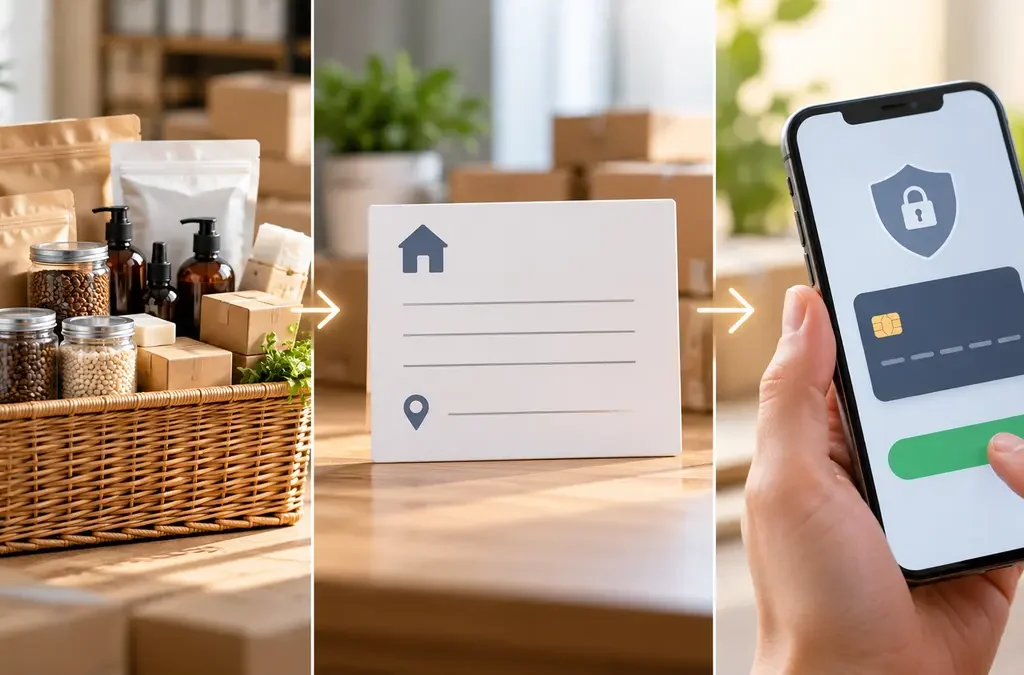
A predictable wholesale checkout gives retailers a chance to catch quantity or address mistakes before paying. Rawhub’s current retailer flow separates basket review, delivery and payment details, and final order placement. Review every step because freight depends on the basket and pickup and delivery PIN codes.

Step 1: Check the basket
Confirm product names, variants, quantities, supplier grouping and line totals. Verify each item’s MOQ, fixed-pack rule and stock limit. Remove anything you did not intend to order. If the basket includes products from multiple suppliers, review each supplier’s order minimum separately as shown by the current platform.
Step 2: Confirm delivery details
Check the saved retailer address and delivery PIN. The shipping quote uses the supplier pickup location and retailer delivery PIN, and may depend on product dimensions or weight. If the address or basket changes, request a fresh quote. Do not rely on a shipping estimate from an earlier basket.
Step 3: Review amount and pay
The current Rawhub payment policy says marketplace orders require online prepayment and COD is unavailable. Check the product total, courier freight and any displayed platform logistics charge before authorizing payment. The order should be confirmed after the configured payment provider verifies full capture. Keep the order and payment references.
If payment and order status differ
A payment attempt, a captured payment and a placed order are different states. If money is captured but the order confirmation is missing, do not repeat the payment right away. Save the Razorpay reference and contact Rawhub support for reconciliation. Read the current payment policy and start from the marketplace.
Frequently asked questions
Can a retailer select COD?
The current marketplace policy says COD is unavailable; online prepayment is required.
Why might shipping change?
The quote can depend on pickup PIN, delivery PIN, basket contents and parcel dimensions.
What should I do after a captured payment without an order?
Keep the provider reference and contact Rawhub support before paying again.
In short: Check the live listing and terms before you order. Explore more Rawhub Journal guides.
Editorial note: Product details and platform features can change. Information checked on 8 October 2026; the live listing and checkout show the current terms.