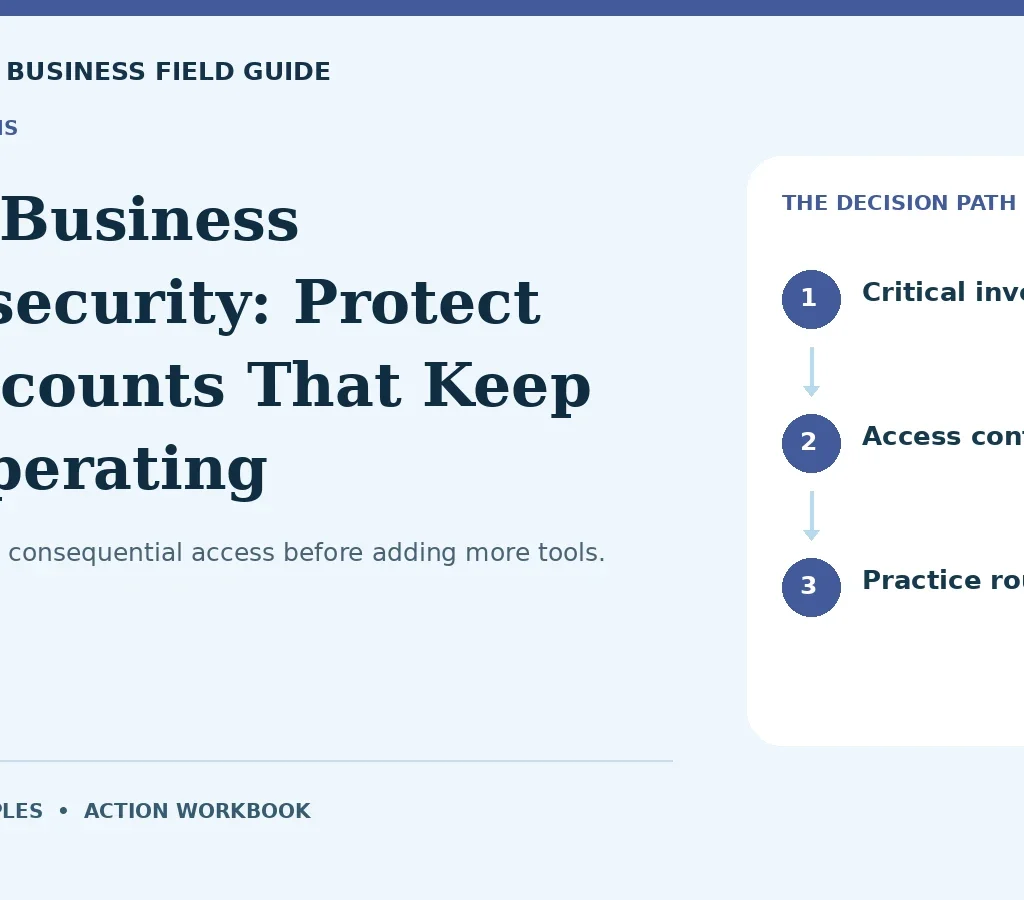
Protect the most consequential access before adding more tools.
For a small business, a compromised email account can be more disruptive than a dramatic movie-style hack. It may expose customer conversations, redirect payment instructions, or allow password resets elsewhere. Cybersecurity should begin with the accounts and data that keep the company operating. This guide offers a practical prioritization method for US owners. It does not certify a business as secure or replace specialist assessment. The useful outcome is a maintained set of controls, verified recovery options, and a clear response when something appears wrong.
Inventory the critical accounts
List email, banking, payroll, accounting, website administration, cloud storage, customer systems, and key vendor portals. Identify the owner, administrator, users, recovery methods, and business impact of losing each account. A system nobody remembers can still contain sensitive information or allow access to another service. Prioritize accounts with financial authority or broad administrative reach. Keep the inventory protected and current. Avoid putting passwords in an ordinary shared spreadsheet. An inventory should help you manage access, not create a new concentration of secrets.
Strengthen authentication and recovery
CISA recommends multifactor authentication as an additional layer for verifying identity. Apply appropriate MFA to critical accounts and follow the service’s current setup guidance. Use unique credentials with a well-managed password process. Review recovery email addresses, phone numbers, backup methods, and who can use them. Strong login controls are less effective if recovery remains weak or former staff retain access. Test access removal and emergency recovery deliberately. Security is an operating process: the business must be able to recover without giving everyone unrestricted control. Official reference: CISA: Require MFA, FTC: Business email imposters.
Separate payment authority from email instructions
Treat bank-detail changes and unusual payment requests as verification events. Confirm through a known independent contact method rather than replying to the same message. The FTC describes business email imposter scams that can mimic colleagues or vendors. Use approval limits and a second review where appropriate. Document who can initiate, approve, and reconcile payments. A busy owner should not become the single point where urgent-looking requests bypass controls. Teach staff that pausing to verify a financial change is part of doing the job correctly.
Maintain updates and limited access
Assign responsibility for operating-system, application, and website updates. Know who manages hosting, plugins, and administrative accounts. Give users the access required for their role and remove it when the role ends. Review third-party connections and shared links. A business can install sophisticated security software while leaving an old administrator account active. Keep a change record and test important workflows after updates. Where the environment is complex or handles sensitive information, obtain qualified support rather than assuming a general checklist covers every technical risk.
Test backups through restoration
A backup indicator does not prove the business can recover. Identify which data and settings are backed up, how often, where copies are held, and how access is protected. Restore a representative file or system in a safe test. Record the time required and any missing information. Separate the recovery plan from the compromised environment where feasible. Choose backup arrangements based on how much work and downtime you can tolerate losing. A recovery plan that nobody has tested can fail at the moment it is most needed.
Write a response plan people can use
Define who receives a suspicious-message report, who contacts providers, and who authorizes containment or recovery steps. Preserve useful evidence and avoid improvising technical actions that make investigation harder. Plan customer and legal notification questions with appropriate advisers where relevant. Keep trusted contact details accessible if the normal email system is unavailable. Run a short scenario with the team: a vendor-payment change, a lost device, or a compromised account. The exercise should reveal missing decisions before a real incident creates pressure.
A worked example
Illustrative example: an employee receives a message that appears to come from a regular supplier, requesting new bank details for a $6,500 payment. Instead of responding within the same thread, the employee calls the supplier using a verified number already on file. The supplier confirms no change was requested. The business reports the suspicious message internally and reviews account access. The fictional scenario illustrates one preventive control, not a claim that every fraud attempt can be stopped or that verification eliminates all risk.
Try your own numbers
Change the example inputs to explore this simple planning relationship.
Estimated downtime impact ($)Illustrative arithmetic only. This tool does not estimate taxes, loan eligibility, legal requirements, insurance coverage, or net profit. It uses no external service and does not store your inputs.
The worked example and formula above remain available without JavaScript.
Your action workbook
Use the following checkpoints as a working document, not a score that promises success. Each one connects a specific action to evidence and a warning sign. Review the items in sequence or start with the weakest area in your business. The checkboxes are a temporary reading aid; they do not save personal information or certify compliance. Keep any actual records securely in your own operating system. For questions involving legal, tax, lending, insurance, or employment obligations, obtain appropriate current guidance. Your final decision should reflect the evidence, the cost of being wrong, and the capacity to maintain the process after the initial setup.
01 Critical inventory
Establish the starting point. List accounts whose loss would interrupt money, delivery, or customer access. Keep this in a dated decision record. Assign any unresolved question to a responsible person before committing money or making a customer promise.
Evidence to keep: Named owners and verified recovery details.
Warning sign: Ignoring a forgotten administrator account with broad permissions.
02 Authentication
Test before committing. Enable appropriate MFA and unique credential practices. Use a representative situation, record the result, and revise weak assumptions before expansion. A small test should inform the next decision, including when to pause.
Evidence to keep: Confirmed settings on the highest-impact services.
Warning sign: Protecting minor accounts while banking or email remains weak.
03 Recovery review
Make the evidence retrievable. Check recovery methods and emergency access ownership. Store the supporting record with its date and limitations. Compare new findings with the original assumption so changes remain visible to the next reviewer.
Evidence to keep: A controlled recovery test with current contacts.
Warning sign: Leaving recovery tied to a former employee’s phone.
04 Payment verification
Check the real-world constraint. Confirm bank changes through an independent known channel. Confirm the practical effect with the responsible operator or qualified adviser. Record whether it changes scope, timing, cost, or the ability to proceed.
Evidence to keep: A written procedure and a tested staff scenario.
Warning sign: Replying to the same suspicious email as verification.
05 Access control
Separate confirmation from expectation. Give users only the authority needed and remove obsolete access. Label unverified assumptions clearly. Obtain stronger evidence when the decision depends heavily on them, and avoid passing an expectation to others as a guarantee.
Evidence to keep: A role review and departure checklist.
Warning sign: Sharing administrative credentials to save setup time.
06 Update responsibility
Assign a usable next action. Assign maintenance for devices, applications, hosting, and plugins. Name one responsible person and define completion. Record dependencies on other parties, then follow up through an appropriate verified channel rather than an informal assumption.
Evidence to keep: A current update record and workflow checks.
Warning sign: Assuming the vendor manages every part of your environment.
07 Backup coverage
Compare the alternatives fairly. Identify essential data and settings included in backups. Use equivalent scope and timing. Record the tradeoff affecting your operation instead of selecting from a favorable headline whose underlying conditions may differ.
Evidence to keep: A documented scope and protected copy arrangement.
Warning sign: Backing up documents while omitting critical configurations.
08 Restore test
Plan for the ordinary exception. Recover a representative file or system safely. Consider delays, missing records, or weaker results. Decide who notices and what happens next so the process does not depend on an unwritten workaround.
Evidence to keep: Measured restoration time and corrected gaps.
Warning sign: Treating a green backup status as proof of recovery.
09 Incident roles
Turn review into a decision. Define reporting, containment, provider contact, and evidence handling. Choose whether to continue, revise, or pause using the findings. Record the reason and the next review trigger rather than adding activity without resolving the constraint.
Evidence to keep: A response sheet available outside normal email.
Warning sign: Waiting for an incident to decide who is responsible.
10 Practice routine
Maintain the improvement. Run short scenarios and improve controls from the results. Review this after material changes. Keep ownership and current instructions clear, because a completed setup can become outdated as people, conditions, and the business evolve.
Evidence to keep: An exercise log with assigned follow-up work.
Warning sign: Buying tools while staff remain unsure how to report concerns.
Make the next decision
Prioritize security work by consequence and exposure. A critical email or banking account deserves attention before a low-impact convenience tool. Record the control applied, who owns it, and when it was tested. Keep recovery and response information accessible without relying entirely on the system you might lose. When staff report something suspicious, make the reporting path simple and avoid punishing reasonable caution. Review near misses as learning opportunities. If a supplier-payment verification catches a false request, check whether other staff know the procedure and whether account access requires investigation. Security work is never complete merely because a checklist has been marked. It is a maintained process that changes with accounts, employees, vendors, and systems. Begin with the most consequential gaps and make the improvements verifiable.
Frequently asked questions
Is MFA enough by itself?
No. It is an important layer, but access management, recovery, payment controls, updates, backups, and response planning still matter.
How often should I test backups?
Choose a schedule based on the systems, changes, and business impact involved. Test after material changes and ensure the people responsible can perform recovery. There is no single interval that fits every operation.
Continue with a related guide
Official sources and scope
Sources checked October 12, 2026. Official links support the regulatory and program checkpoints; the business examples, planning methods, and workbook are original editorial material. Rules, terms, and opportunities can change. This is general educational content; use current professional guidance for decisions specific to your business.