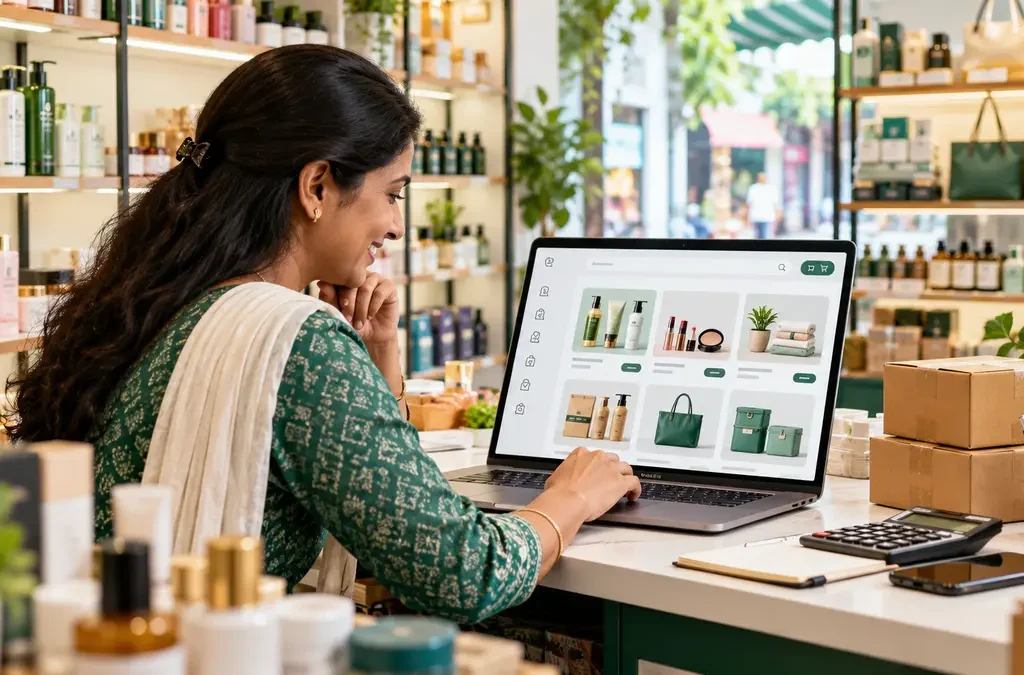
Rawhub’s wholesale marketplace is designed for retailers who want to source products from approved supplier listings. A careful buying process starts with product fit and landed cost, then checks quantity rules, supplier verification, delivery and payment before the order is placed. Live availability changes as listings move through review.

Start with an exact buying need
Before browsing, write down the product category, target customer, expected selling price, required quantity and acceptable delivery time. Compare like with like: brand, pack size, specification, expiry where relevant and included accessories. A low unit price can still be a poor purchase if freight, damage risk or slow-moving stock erases the margin.
Review listing and supplier details
Use the marketplace to inspect the product description, available images, price, stock and supplier details shown on the live listing. Approval does not remove the need to check whether the item fits your shop. Read the supplier’s minimum and maximum order quantity and any fixed-quantity rule before adding products to the basket.
Calculate the landed cost
Add the product total, quoted courier freight and any clearly displayed handling charge. Compare the landed cost per sellable unit with your expected retail price after discounts, tax treatment and likely returns or damage. Rawhub’s checkout quotes delivery using the supplier pickup PIN and your delivery PIN; review the quote again if the address or basket changes.
Use the correct Rawhub flow
The current marketplace sends retailer listings through a separate B2B basket and checkout. It is different from the public Mystery Box, which has no wholesale minimum and uses prepaid-only ordering. If an item is unavailable, a retailer can use the buying request and bidding area to describe demand. Visit the live marketplace to see current approved listings.
Frequently asked questions
Are all products always available?
No. Catalogue availability changes as supplier listings are reviewed and stock changes.
Does the Mystery Box checkout use the same basket?
No. Public Mystery Box shopping and B2B retailer ordering are separate flows.
What should I do when I cannot find the product?
Check the live catalogue again or submit a clear buying request with product and quantity details.
In short: Check the live listing and terms before you order. Explore more Rawhub Journal guides.
Editorial note: Product details and platform features can change. Information checked on 8 October 2026; the live listing and checkout show the current terms.