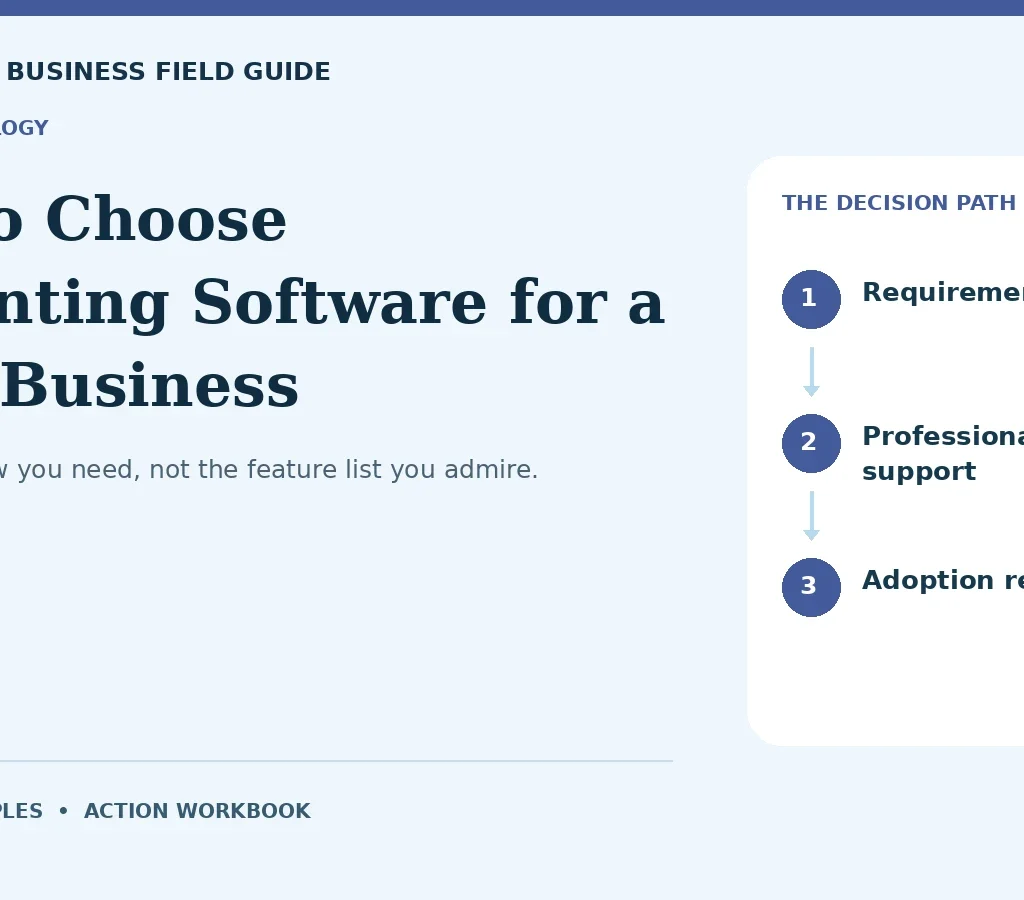
Buy the workflow you need, not the feature list you admire.
Accounting software should make the business easier to understand. A long feature list does not guarantee that outcome. The wrong system may create duplicate entries, weak inventory records, confusing reports, or a migration project larger than expected. This guide gives US small-business owners a workflow-based selection method. It does not rank products or quote changing subscription prices. First define the records and decisions you need, then test whether the software supports them with manageable effort and reliable controls.
Write the required workflows
List invoicing, bills, bank reconciliation, payment processing, reporting, inventory, project costing, and payroll connections as relevant. Mark each as essential, useful, or unnecessary. A service company may need time tracking and job profitability; a wholesaler may need purchasing and stock controls. Define who performs each task and how often. Avoid requiring a feature merely because a competing product advertises it. Your shortlist should emerge from the operating workflow. Unused complexity creates training costs and makes errors harder to investigate.
Test with representative transactions
Create a test set that reflects your real activity: an invoice with a partial payment, a refund, a processor settlement with fees, a vendor bill, a transfer, and any relevant inventory movement. Use fictional or properly protected data. Walk through entry, reconciliation, correction, and reporting. A sales demonstration often follows a perfect path; your test should include the exceptions that consume staff time. Record where the system requires workarounds. A tool that handles the common transaction but fails at routine exceptions may not save time overall.
Verify reporting and accountant access
Ask whether the system produces the reports and exports your owner, bookkeeper, and accountant need. Test user permissions and any professional-access model. A report should show consistent figures and allow investigation of underlying transactions. Check whether changes are logged and whether prior periods can be controlled. The IRS says businesses may choose a suitable recordkeeping system that clearly shows income and expenses; software selection still requires your own evaluation of completeness and usability. An application does not automatically make every entry correct. Official reference: IRS: Recordkeeping system guidance.
Examine integrations as data flows
An integration is a connection with rules, not a guarantee that data arrives accurately. Determine which system is the source of truth for customers, items, invoices, payments, and inventory. Check duplicate handling, timing, failure alerts, and permissions. A connected sales platform may send net deposits instead of the detail you expect. A payroll integration may require a separate subscription. Test what happens when a connection breaks or an entry changes. The right question is whether the entire workflow reconciles, not whether two logos appear together on a marketing page.
Calculate ownership and migration cost
Include subscription tiers, extra users, payroll or inventory add-ons, implementation, training, historical-data cleanup, and ongoing support. A lower monthly fee may be offset by manual work. Before migration, reconcile the old system and decide what history to transfer. Test opening balances and sample reports. Keep a secure backup and a documented cutover plan. Do not cancel the old system until you know what access remains available. Moving unreliable records into a new interface does not make them reliable.
Choose through a scored pilot
Score options against a small number of weighted requirements. Let users perform the tasks instead of letting one manager choose from screenshots. Document tradeoffs and unresolved questions. Start with a controlled pilot or a parallel check where appropriate, then confirm reconciliation and reporting before full adoption. Review permissions and support arrangements. The best choice is the system that meets your essential needs at an acceptable total cost and can be maintained by your actual team. It may not be the product with the most features.
A worked example
Illustrative example: a five-person service company compares a basic $30 monthly plan with a hypothetical $70 plan offering job reporting. The cheaper plan requires four additional hours of manual monthly work. At an internal time value of $25 per hour, that workaround represents $100 of effort before considering errors. The team tests whether the higher plan genuinely removes the work and whether its reports are usable. These prices are invented for comparison, not current vendor offers. The example shows why total workflow cost can change the decision.
Try your own numbers
Change the example inputs to explore this simple planning relationship.
Monthly workflow cost ($)Illustrative arithmetic only. This tool does not estimate taxes, loan eligibility, legal requirements, insurance coverage, or net profit. It uses no external service and does not store your inputs.
The worked example and formula above remain available without JavaScript.
Your action workbook
Use the following checkpoints as a working document, not a score that promises success. Each one connects a specific action to evidence and a warning sign. Review the items in sequence or start with the weakest area in your business. The checkboxes are a temporary reading aid; they do not save personal information or certify compliance. Keep any actual records securely in your own operating system. For questions involving legal, tax, lending, insurance, or employment obligations, obtain appropriate current guidance. Your final decision should reflect the evidence, the cost of being wrong, and the capacity to maintain the process after the initial setup.
01 Requirement list
Establish the starting point. Rank essential workflows for your actual business model. Keep this in a dated decision record. Assign any unresolved question to a responsible person before committing money or making a customer promise.
Evidence to keep: A task list approved by the people doing the work.
Warning sign: Selecting from a feature count without prioritizing needs.
02 Transaction pilot
Test before committing. Test common transactions and routine exceptions. Use a representative situation, record the result, and revise weak assumptions before expansion. A small test should inform the next decision, including when to pause.
Evidence to keep: A completed sample set with reconciled outputs.
Warning sign: Relying only on a vendor’s ideal demonstration.
03 Report verification
Make the evidence retrievable. Compare generated reports with the test transactions. Store the supporting record with its date and limitations. Compare new findings with the original assumption so changes remain visible to the next reviewer.
Evidence to keep: Matching totals and accessible transaction detail.
Warning sign: Assuming attractive dashboards imply accurate records.
04 User controls
Check the real-world constraint. Test role permissions, change logs, and period controls. Confirm the practical effect with the responsible operator or qualified adviser. Record whether it changes scope, timing, cost, or the ability to proceed.
Evidence to keep: A role matrix and verified restrictions.
Warning sign: Giving every user unrestricted administrative access.
05 Professional support
Separate confirmation from expectation. Check accountant access, exports, and available assistance. Label unverified assumptions clearly. Obtain stronger evidence when the decision depends heavily on them, and avoid passing an expectation to others as a guarantee.
Evidence to keep: Confirmed formats and support expectations.
Warning sign: Discovering after migration that required exports are unavailable.
06 Integration mapping
Assign a usable next action. Define the source of truth and direction for each connected data type. Name one responsible person and define completion. Record dependencies on other parties, then follow up through an appropriate verified channel rather than an informal assumption.
Evidence to keep: A map of duplicates, failures, and correction handling.
Warning sign: Connecting apps without understanding what they synchronize.
07 Cost model
Compare the alternatives fairly. Include users, add-ons, implementation, and manual work. Use equivalent scope and timing. Record the tradeoff affecting your operation instead of selecting from a favorable headline whose underlying conditions may differ.
Evidence to keep: A complete annual ownership estimate.
Warning sign: Choosing solely by the cheapest advertised tier.
08 Data cleanup
Plan for the ordinary exception. Reconcile records and resolve inconsistencies before transfer. Consider delays, missing records, or weaker results. Decide who notices and what happens next so the process does not depend on an unwritten workaround.
Evidence to keep: Approved opening balances and a cleanup log.
Warning sign: Moving unexplained errors into the new system.
09 Cutover plan
Turn review into a decision. Back up data and verify sample reports before switching. Choose whether to continue, revise, or pause using the findings. Record the reason and the next review trigger rather than adding activity without resolving the constraint.
Evidence to keep: A documented migration and fallback sequence.
Warning sign: Canceling old access before historical records are secured.
10 Adoption review
Maintain the improvement. Train the team and measure task time and error patterns. Review this after material changes. Keep ownership and current instructions clear, because a completed setup can become outdated as people, conditions, and the business evolve.
Evidence to keep: A post-pilot review with remaining issues assigned.
Warning sign: Assuming purchase alone produces a maintained accounting process.
Make the next decision
Write the software decision as a workflow memo rather than a product endorsement. List the essential tasks, pilot results, unresolved limitations, total cost, migration responsibilities, and support expectations. Ask the bookkeeper and accountant to review the tests that affect their work. If the system requires a workaround, name who maintains it and include its effort in the cost. A workaround can be acceptable when it is small and controlled; an undocumented workaround becomes a future reconciliation problem. During the first close after migration, compare key totals and investigate differences before assuming the new dashboard is authoritative. Review the purchase after a few operating cycles. If the tool meets the workflow and the team maintains it reliably, the selection has succeeded even if another product advertises more features.
Frequently asked questions
What is the best accounting software?
The answer depends on your workflow, transaction volume, reporting, users, and support needs. A tested shortlist is more useful than a universal ranking.
Should I choose the cheapest tier?
Compare total cost, including add-ons and manual work. A cheaper subscription may be the right choice, but only if it supports the essential process without expensive workarounds.
Continue with a related guide
Official sources and scope
Sources checked October 12, 2026. Official links support the regulatory and program checkpoints; the business examples, planning methods, and workbook are original editorial material. Rules, terms, and opportunities can change. This is general educational content; use current professional guidance for decisions specific to your business.